 SongChopon SongBrowser
Inside every song is a sample pack.
Drop in a track and get back a pack you can use tonight: stems, loops cut on the beat, one-shots and previews, named by tempo and key.
Free to start · No card needed · Cancel any time
Try it right here — tap a demo loop or drop any audio file to chop loops and export WAV. Runs in your browser; nothing is uploaded.
Part of the ProduceHits suite on SongBrowser. One account opens every room.

Built for the work, not the demo.
Stems, beat-locked loops and one-shots from a single upload.
Stems
Vocals, drums, bass and the rest, split and level-matched so they drop straight into a session.
Beat-locked loops
Every loop starts and ends on the beat, and every stem shares the same edges, so nothing drifts.
One-shots on pads
Kicks, snares and hits pulled out and laid on pads, so you can play them before you keep them.
Three steps. That’s it.
Drop
Add a song from your device or your library. Tempo and key show up first, and the pack builds while you work.
Audition
Play every loop and hit on pads. Keep what works and drop the rest.
Take it home
Export loops, one-shots or the whole pack as WAV, organised by type and named with tempo and key.
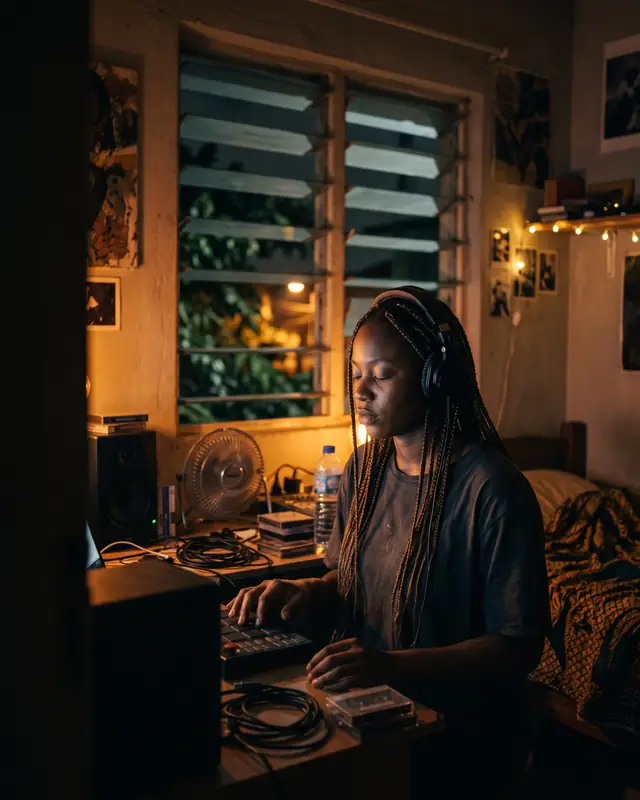
For people who make things with music.
- Beatmakersflipping records into new beats
- Producersbuilding their own kits
- DJsprepping loops and edits
Powered by AFCUT, the engine behind SongBrowser and every ProduceHits room.
Try it without an account.
5 free SongChop tools run on your own device. Nothing is uploaded.
Learn the craft.
How to reverse audio: reverse cymbals, swells and tape-stops
How reversing audio works, how to land a reverse cymbal on the downbeat with real numbers, and where a reversed clip clicks or breaks. Free browser tool.
Read 2 min readWhy chops click, and how to make them sit clean
Why a chop pops when it starts or stops, the fade lengths that remove it, and the one click you cannot cut around.
Read 2 min readHow sample chopping works: from a song to playable slices
What separates a slice from a playable sample: the fades that keep it clean and the arithmetic that keeps it in time.
Read
Somewhere in this song is a kick you’ll use for years, a chord you’ll flip tonight and a loop nobody has heard yet.
Free to start. Unlock more when you need it.
Browser tools are free everywhere. Unlock Pro limits on SongChop for $9/mo, or unlock all 23 domains and every upcoming rollout for $20/mo. Cancel any time.
- Free$0/ monthSingle-file browser tools, search and listening across every domain.
- SongChop Pass$9/ monthUnlocked Pro limits, batch mode and saved presets on one domain.
- All-Domains$20/ monthUnlocked limits across all 23 domains — plus automatic access as full studio rooms roll out.
Compare plans Monthly billing via Stripe. Cancel any time.
What’s in a pack?
Stems, loops and one-shots cut from your song, each with a preview, organised by type and named with tempo and key.
Will the loops line up in my DAW?
Yes. Every loop starts and ends on the beat and carries the song’s tempo in its name, so it lands on the grid at that tempo.
Can I chop for free?
Yes. Chopping and previewing are free. On Free you can take a few loops and one-shots home each week. Paid plans take home everything, including stems and whole-pack ZIPs.
How long does a pack take?
Tempo and key appear almost straight away. The rest of the pack builds in the background, and you can close the tab: it will be waiting in your library.
SongChop hands off in one click.
Everything SongChop makes opens in these rooms straight away, with no export and no second upload.
Everything you make here lands in your library.
SongChop is one of twenty-one rooms in the ProduceHits suite, and every room opens on SongBrowser: the place your music lives. Search what you make by sound, word, tempo and key, let it play while you work, and open it in any other room.
Turn any song into a sample pack.
One free SongBrowser account opens SongChop and every room in the ProduceHits suite.